
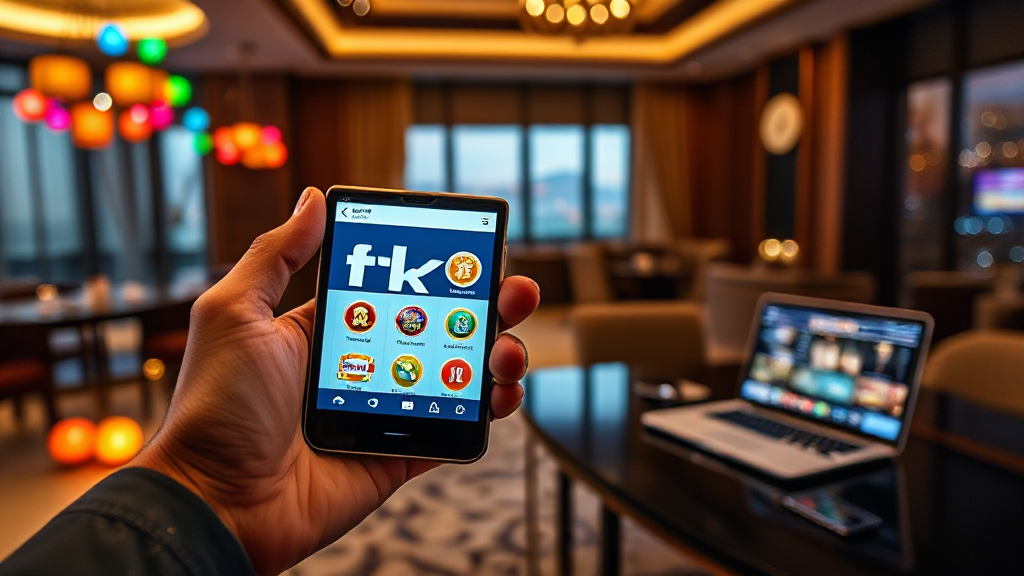
How tk999 Looks on Different Devices: Phone, Tablet, Desktop
Most people in Bangladesh open gaming and betting platforms on a mid-range Android phone, usually something like a Redmi, Realme or Samsung Galaxy A-series model with a 6.5-inch screen. That is the device I started with when I tested tk999, and it shaped almost everything I noticed afterward. A platform can look polished on a flagship phone and fall apart on the phone most people actually carry, so the only honest way to judge layout quality is to move through several screen sizes and see what changes. Over a couple of weeks I logged in from a compact phone, a large phone, a tablet and a desktop browser, and this is what each experience felt like.
Small Phone: The Compact Android Test
I began with an older 5.5-inch Android device running a mid-tier chipset and a modest amount of RAM. This is the kind of handset that still circulates widely, and it is a fair stress test for any mobile-first platform. On tk999, the layout adapted to the narrow width without any horizontal scrolling, which is the first thing I check because side-scrolling interfaces are frustrating on small screens.
The header collapsed into a compact bar with the logo and a menu icon, and the main navigation sat behind that icon rather than spreading across the top. Buttons were large enough to tap accurately, though I did notice that some list rows felt slightly tight when text wrapped onto two lines. Font sizes stayed readable without pinching and zooming, and the registration flow remained usable, which matters because account creation is the first real interaction a new user has with the platform.
Performance was the bigger story on this device. Pages loaded at a reasonable pace on a standard mobile data connection, and I did not experience freezes during normal browsing. The trade-off is that heavier visual sections, such as game thumbnails arranged in grids, took a moment longer to settle. If your phone is several years old, expect a slightly slower but still workable experience.
Large Phone: Where the Platform Feels Most at Home
Moving to a 6.7-inch screen with a higher refresh rate changed the feel considerably. This is clearly the size tk999 was designed around. Cards and panels had more breathing room, labels no longer wrapped awkwardly, and the spacing between tappable elements felt deliberate rather than compressed.
On this device, the downloadable app and the mobile browser version behaved very similarly, and both felt responsive. Scrolling through categories was smooth, and switching between sections did not produce visible lag. If you are deciding where to spend most of your time, a large modern Android phone is the sweet spot. It gives you the portability of a handset with enough screen real estate that the interface does not feel cramped.
One practical note: on tall screens, the bottom of the page can sit far from your thumb. I found myself using the top navigation more than the footer links, which is normal for this form factor. Battery drain was modest during browsing sessions, though long sessions with continuous animation will naturally use more power.
Tablet: More Space, Different Trade-offs
A 10-inch tablet produced the most interesting results. With the extra width, the layout expanded into a more spread-out arrangement, and content that required scrolling on a phone often fit within a single view. Text density improved, and reading through longer sections was genuinely more comfortable.
The catch is that the interface does not fully transform into a desktop-style layout. It scales up the mobile structure rather than rearranging it into multi-column panels. That means you get more visible content but also more empty space in places where the design was clearly built for a narrower viewport. Buttons remain easy to hit, and the touch experience is fine, but a tablet is not dramatically better than a large phone for this platform. It is a comfortable middle option rather than a clear winner.
If you share a tablet with family members or use it primarily at home on Wi-Fi, it works well. Just do not expect a fundamentally different interface from what you see on your phone.
Desktop: The Most Information-Dense View
On a desktop browser, tk999 uses the full width of the window and presents the most content at once. Navigation becomes a persistent element rather than a hidden menu, and multiple sections can be visible simultaneously. For anyone who prefers scanning several options quickly, this is the most efficient way to use the platform.
Mouse and keyboard input felt precise, and hovering over elements gave clearer feedback than tapping does on a touchscreen. The desktop view also handles large monitors gracefully, though on very wide displays the content stretches and some areas look sparser than they do on a laptop screen.
The desktop experience is best suited to focused sessions where you want to see more at a glance. It is less convenient for quick check-ins during the day, which is why most users in Bangladesh will still default to their phones. If you have a laptop available, it is worth trying both and deciding which suits your habits.
Compatibility Summary and Practical Advice
Across all four setups, the platform rendered consistently and never broke. Nothing required a workaround, and no device produced an unusable layout. The differences were about comfort and efficiency rather than basic functionality.
For most users, a large Android phone offers the best overall balance. A small phone works but feels tighter. A tablet is pleasant for longer sessions at home. A desktop gives you the most information at once but ties you to a fixed location. If you want to compare these experiences yourself, you can open the platform on each device you own and judge which one fits your routine.
Two practical tips stood out from my testing. First, keep your browser updated, because older browser versions handled the layout less gracefully. Second, a stable connection matters more than raw speed; switching between Wi-Fi and mobile data mid-session occasionally caused minor reloads.
If you are new to the platform, start on the device you use most, complete registration, and only then experiment with other screens. That way you learn the interface once and can adapt quickly when you switch.
Frequently Asked Questions
Which device gives the best experience on tk999?
A large Android phone around 6.5 to 6.7 inches offers the best balance of portability and usable screen space. The layout fits naturally at that size, and both the app and browser versions feel responsive.
Does the platform work on older or budget phones?
Yes. I tested a 5.5-inch mid-tier device and the layout adapted without horizontal scrolling. Loading was slightly slower on heavier sections, but nothing prevented normal use.
Is the tablet version different from the phone version?
Not structurally. The tablet view scales the mobile layout to a wider screen, giving you more visible content but not a separate desktop-style arrangement.
Do I need to install anything to use it on desktop?
No. The desktop browser version runs directly in your browser with full-width navigation and no installation required.
Compatibility, in the end, is less about which device is objectively best and more about which one matches how you actually use the platform. Test a couple of options, notice where you feel most comfortable, and let that decide.